🤖 Local AI in Neovim➜
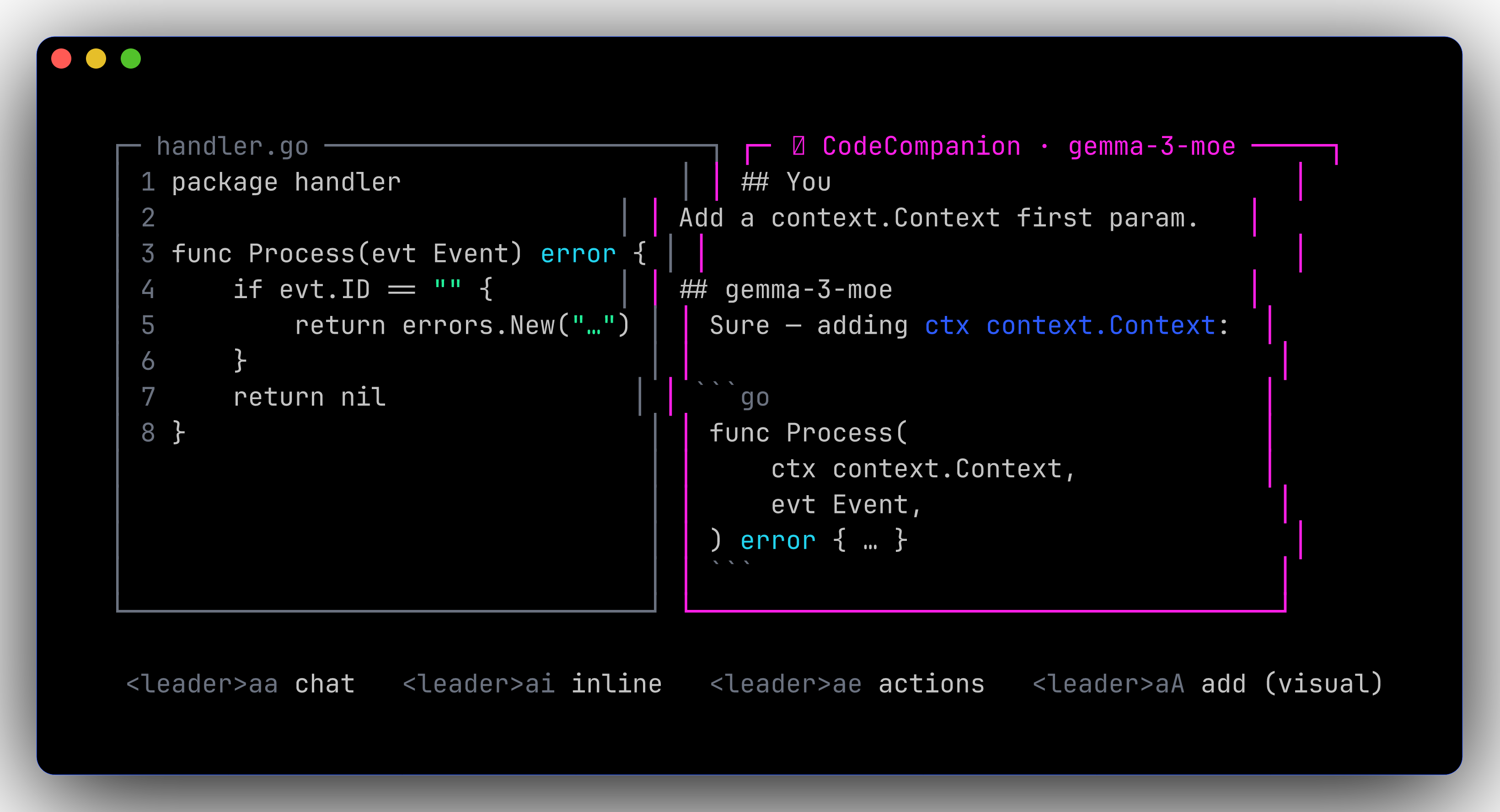
Configured via CodeCompanion.nvim talking to a local OpenAI-compatible endpoint. On-demand — no daemon running unless you start it.
flowchart LR
A[nvim<br/><leader>aa] -->|chat| B[CodeCompanion]
B -->|/v1/chat/completions| C[mlx_lm.server :8080]
B -->|/v1/chat/completions| D[LM Studio :1234]Two ways to serve a model➜
Helpers➜
| Command | Effect |
|---|---|
mlx-start [model] |
Launch mlx_lm.server on :8080 |
mlx-stop |
Kill any running mlx_lm.server |
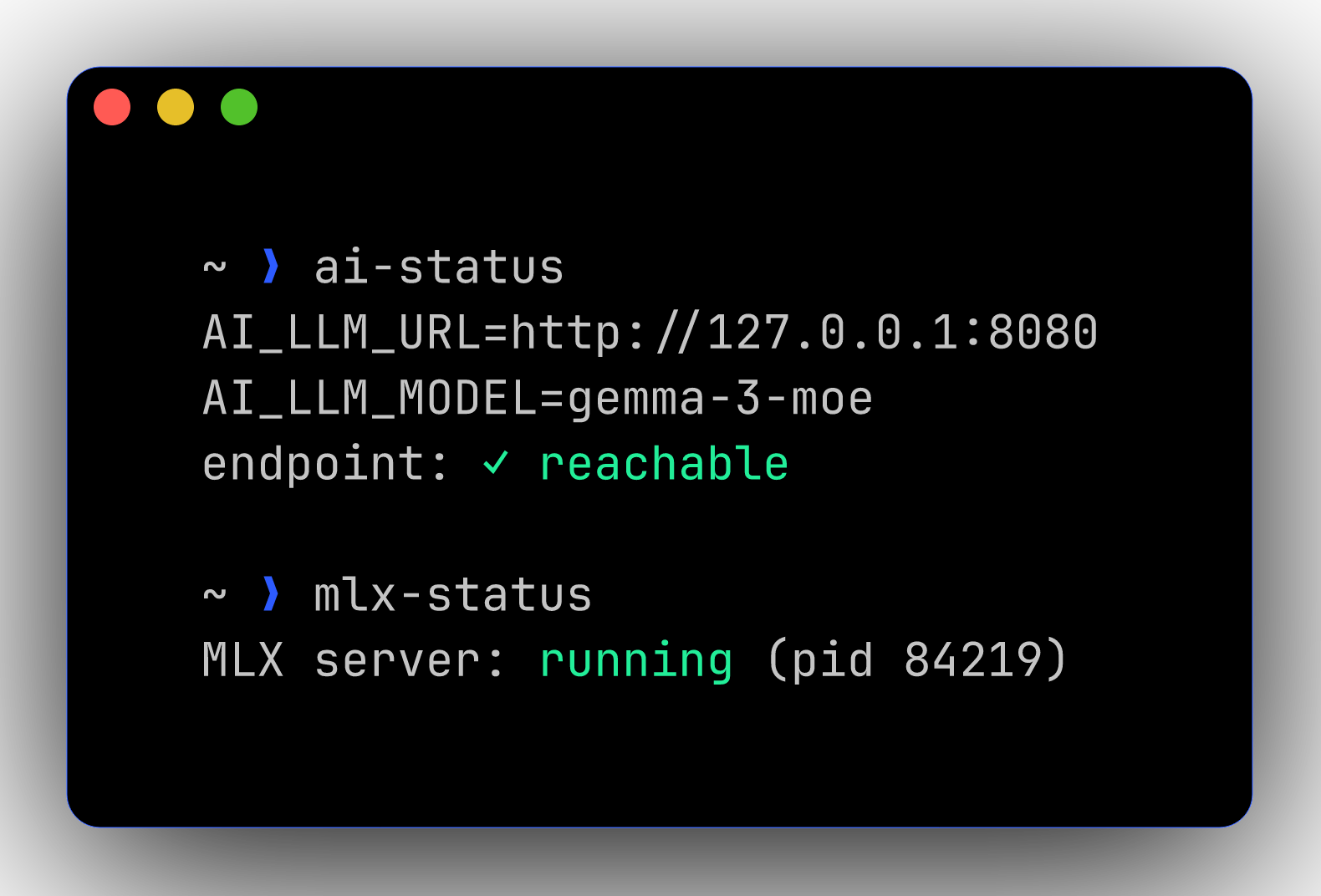
mlx-status |
Is it up? |
ai-use-mlx |
Set $AI_LLM_URL → :8080 for current shell |
ai-use-lmstudio |
Set $AI_LLM_URL → :1234 for current shell |
ai-status |
Print the current endpoint + ping it |